EN
EN
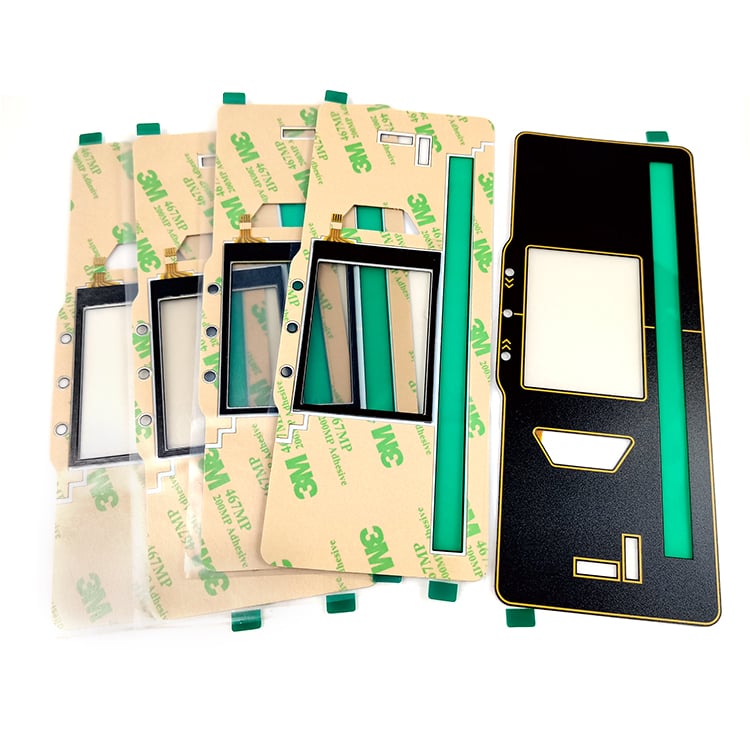
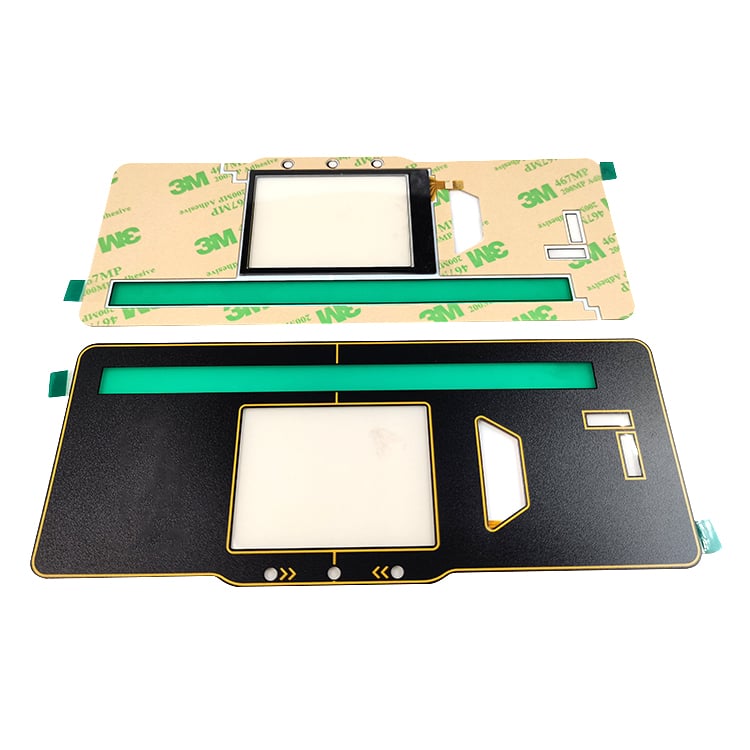
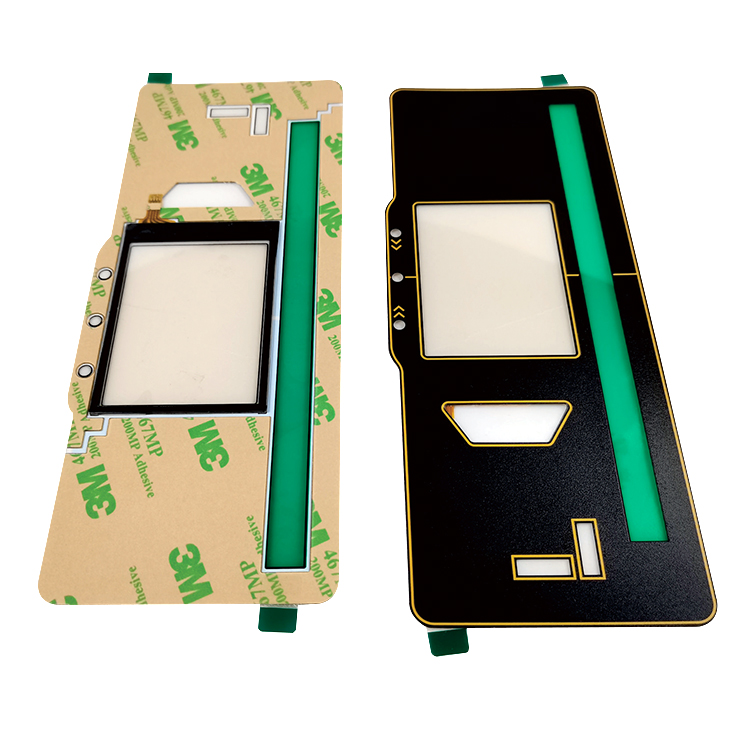
A resistive touch panel is a type of screen that responds when you touch it. It is different from other touch screens because it works by pressing down on the surface. This is often seen in devices like ATMs, some tablets, and other machines where you can use your fingers or a stylus to interact with the screen. The screen has two layers that are separated by a small space. When you press on the top layer, it touches the bottom layer, which sends a signal to the device. This technology is popular because it is usually less expensive than other types of touch screens and works well even if your hands are wet or if you’re wearing gloves.
When picking a resistive touch panel for your business, the first thing to think about is what you will use it for. Are you making a device for outdoor use or for a place where people will use it every day? If it’s for a rugged environment, you need a panel that can withstand dirt, dust, and even water. Another factor to consider is size. If you need a small screen, make sure it fits well into your design. For big machines, a larger panel might be better for ease of use. You also want to check the resolution. A higher resolution means a clearer picture, which helps users see what they are doing. It’s also important to think about responsiveness. The best panels react quickly when you touch them. This makes using the device smoother and more enjoyable. Don’t forget about how easy it is to install the panel. Some resistive touch panels come with extra features like anti-glare coatings to make it easier to see in bright light. At Zhongman, we understand these needs and can help you find the perfect fit for your project. You should also think about your budget, as prices can vary. Look for a balance between quality and cost so you don’t overspend but still get a product that works well. Lastly, consider the support you might need after buying the panel. Having a good customer service team can help you handle any problems that come up. For more advanced touch solutions, you might also want to explore options like HMI (Human Machine Interface).